Turn Your Photos
Into Photo Mosaic Art

Create beautiful, high-resolution photo mosaics from hundreds of your own images. Everything runs in your browser, so your photos stay private, with no sign-ups, no hidden fees, and absolutely no watermarks.

No sign-up
Private processing
No watermark
HD download
How It Works
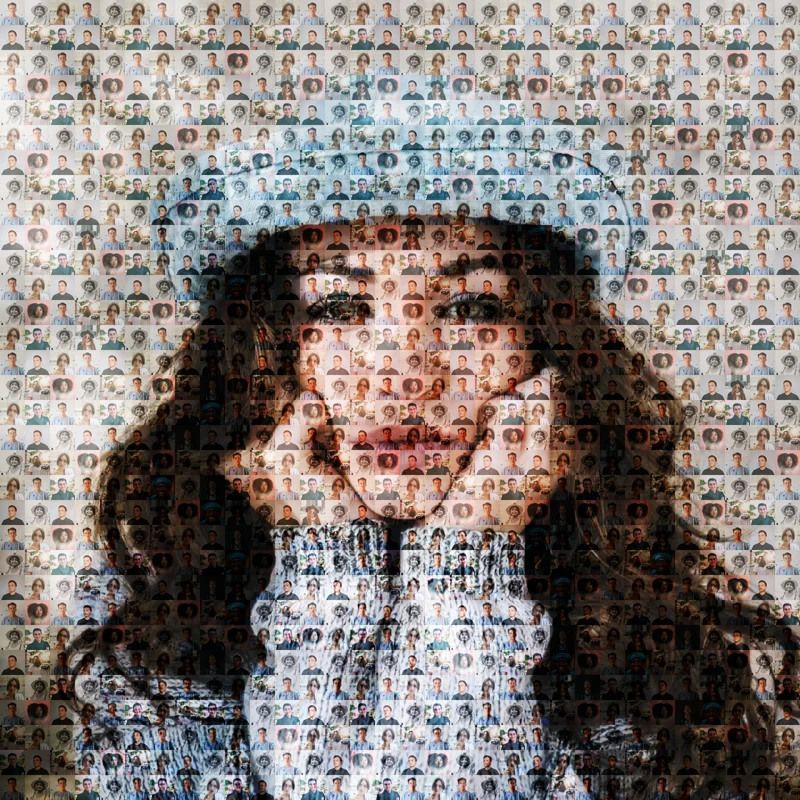
Photo Mosaic Example

What Is a Photo Mosaic?

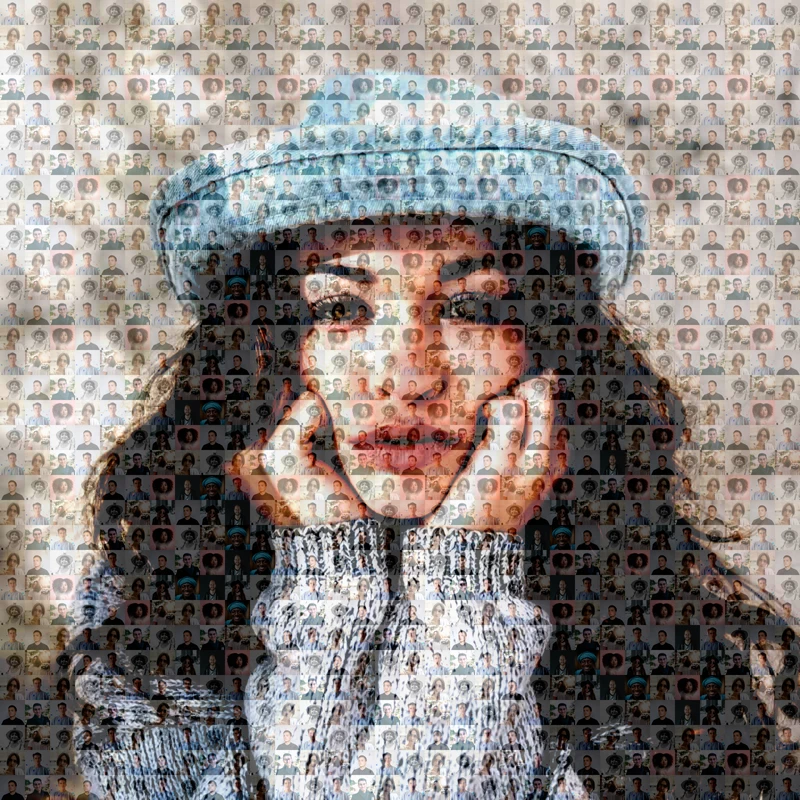
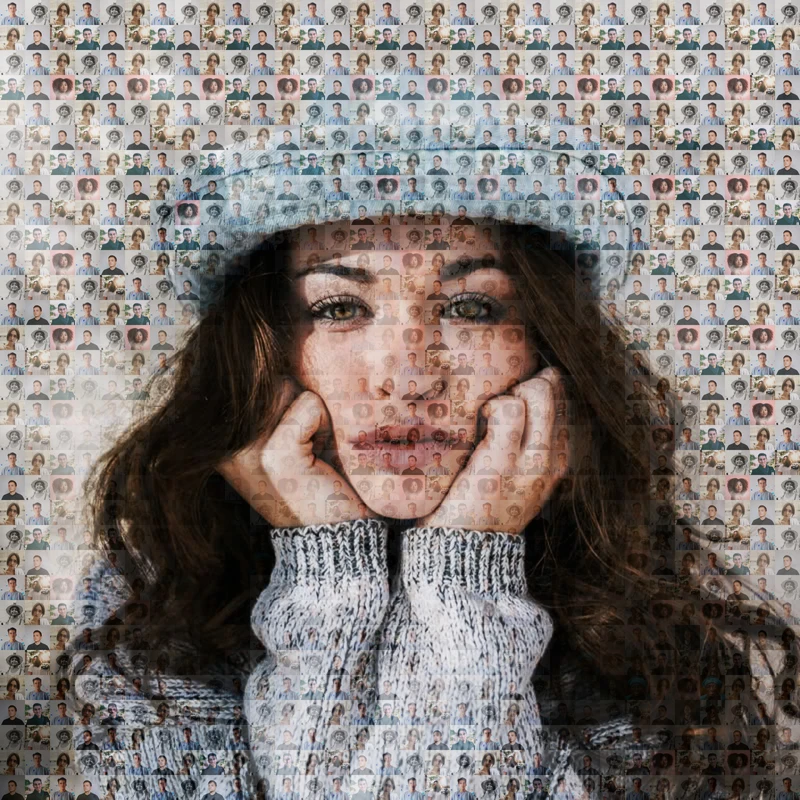
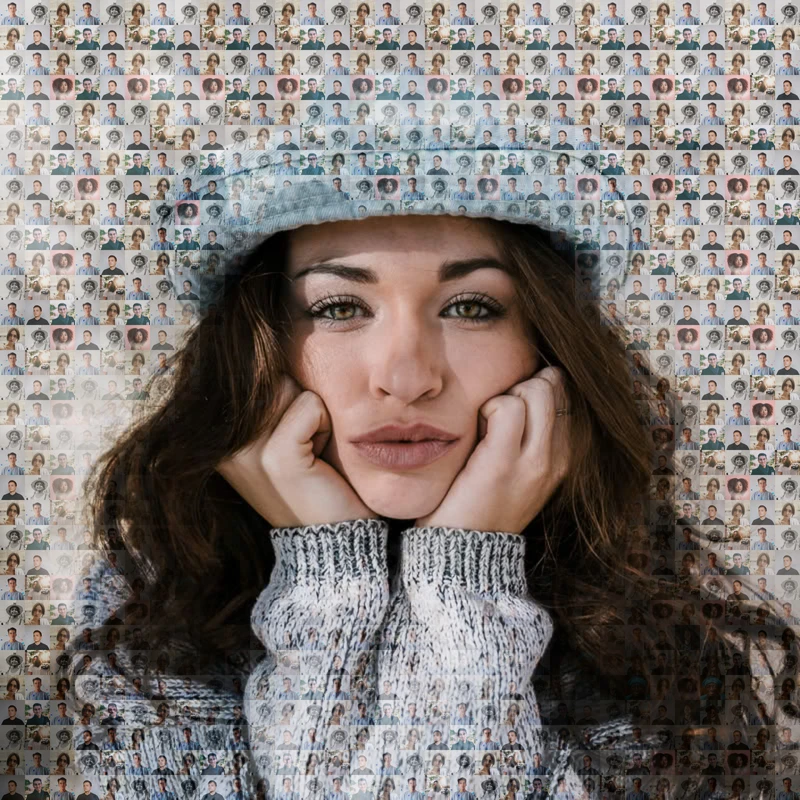
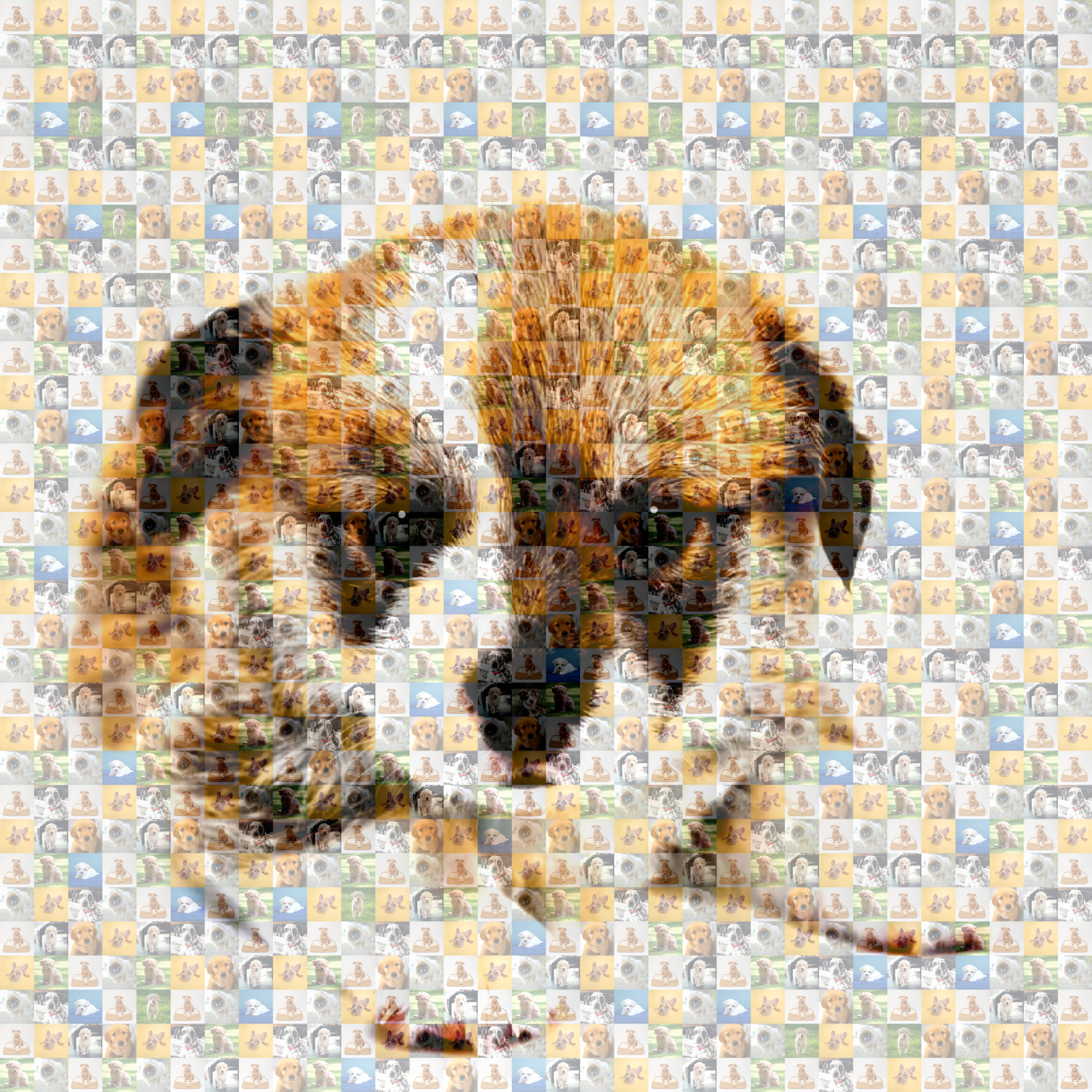
A photo mosaic is a larger image created using hundreds or thousands of smaller images. From far away, the tiny photos combine to recreate the main picture.

Our free Mosaicify Studio automatically analyzes colors and matches images to generate beautiful mosaic art in seconds.

  • Portrait mosaics
  • Pet mosaics
  • Wedding mosaics
  • Birthday gifts
  • Wall art creations

How It Works

Create your mosaic in 3 simple steps

1

Choose a Main Photo

Select the main photo you want to turn into a mosaic.

2

Add Tile Photos

Upload 10 or more smaller photos that will be used to build your mosaic. Square photos work best.

3

Create & Download

Click Create Mosaic and wait a few seconds. Preview your mosaic, then download the finished image.

Mosaic Editor

Create your photo composite in real-time

1
Choose Photos
2
Create Mosaic
1

Main Image

The photo you want to recreate as a mosaic

Examples
Upload your own
2

Tile Images

Photos to be used as mosaic tiles

Collections
Upload your own

Generate & Adjust

Preview and download your mosaic

Processing...
Original
Original
Mosaic
Mosaic

Why Use Mosaicify Studio?

100% Browser Based

Your images are processed directly on your device. No server needed — just pure, instant, local power.

Private & Secure

No image uploads required for mosaic generation. Your photos never leave your device — guaranteed.

HD Downloads

Export sharp, high-resolution mosaics with a single click. Every mosaic is generated in high quality and ready to save instantly.

Free & No Watermarks

Create unlimited photo mosaics online for free. Download high-resolution images with no watermarks, no hidden fees, and no sign-up required.

Frequently Asked Questions

General

A photo mosaic is a large image made from many smaller photos. From a distance, the tiny images blend together to recreate the main picture.

That's completely normal. Up close, you'll see the individual tile photos. From farther away, those photos blend together to reveal the larger image.
Privacy & Processing

No. Everything runs directly in your browser. Your photos stay on your device and are never uploaded for processing.

No. Mosaicify Studio runs entirely in your browser. There's nothing to install, and it works without downloading any software.
Images & Tiles

You can create a mosaic with as few as 10 photos, but using more images usually produces better results and more variety.

You can choose any common image format supported by your browser. Unsupported or invalid files are skipped automatically, so one bad file won't stop the entire process.

No. Tile photos are automatically cropped and adjusted to fit. Square photos usually produce the best-looking mosaics.

Yes. Tile photos can repeat throughout the mosaic. The generator tries to spread them out to avoid excessive repetition, but some reuse is normal, especially when using a smaller number of photos.

Yes. You can select your own main image and your own collection of tile photos, or use one of the sample collections provided.

Bright, colorful photos with a single clear subject (like close-ups of faces, pets, or outdoor objects) look great. Try to avoid dark or blurry photos, as they can lose detail when shrunk down.

Photos with simple shapes, clean backgrounds, and bright, bold colors work best. A close-up portrait or a simple landscape will look much better than a busy photo with lots of small details.
Output & Resolution

The final mosaic is rendered at 8× the working resolution of your source image. For example, if you select an 800 × 800 px image, the downloaded mosaic will be 6400 × 6400 px. If you select a 500 × 500 px image, the downloaded mosaic will be 4000 × 4000 px. Large images are automatically resized before processing to keep generation fast and memory usage reasonable.

Yes. Images larger than 800 pixels on either side are automatically resized before processing. Smaller images are used at their original size and are not enlarged. For example, a 1024 × 1024 px image is automatically resized to 800 × 800 px, resulting in a final mosaic size of 6400 × 6400 px. A 500 × 500 px image is not upscaled. It stays at 500 × 500 px, resulting in a final mosaic size of 4000 × 4000 px.

Finished mosaics are downloaded as JPEG (.jpg) files.

Most mosaics are generated in just a few seconds. The exact time depends on the number of tile photos and the speed of your device.

To keep processing fast and reliable, very large images are resized before generation. The final mosaic is then rendered at a higher resolution to produce a sharp download.
Preview & Printing

Yes. You can preview the generated mosaic before downloading to verify how the colors and details look.

Yes, absolutely! The downloaded mosaic is saved in very high resolution, which is perfect for printing on posters, canvas, or photo paper. It makes a beautiful custom gift.
Pricing

No. Mosaicify Studio is completely free to use and does not require sign-up or account creation.

No. You can generate and download your finished mosaic for free. There are no hidden fees or watermarks.

No. The downloaded mosaic is completely clean and high-resolution with absolutely no watermarks, logos, or branding overlays.

Not exactly. A photo mosaic is made from many smaller photos, so some details may appear different. Using more tile photos generally produces a closer resemblance to the original image.